The app is free.
Pknight Live is free to use, with no app purchase or subscription fee. Lighting hardware, network equipment and your Apple device are separate.
 Pknight Live
FREE LIGHTING CONTROL FOR IPHONE & IPAD
A free, hands-on lighting app built around Pknight hardware. Shape color, position and movement. Connect through Art-Net or sACN, and make the next scene your own.
01 / THE CONTROL SPACE
Faders, color, position and scenes, brought together in a workspace built around your fixtures. Keep the controls close and your attention on the room.
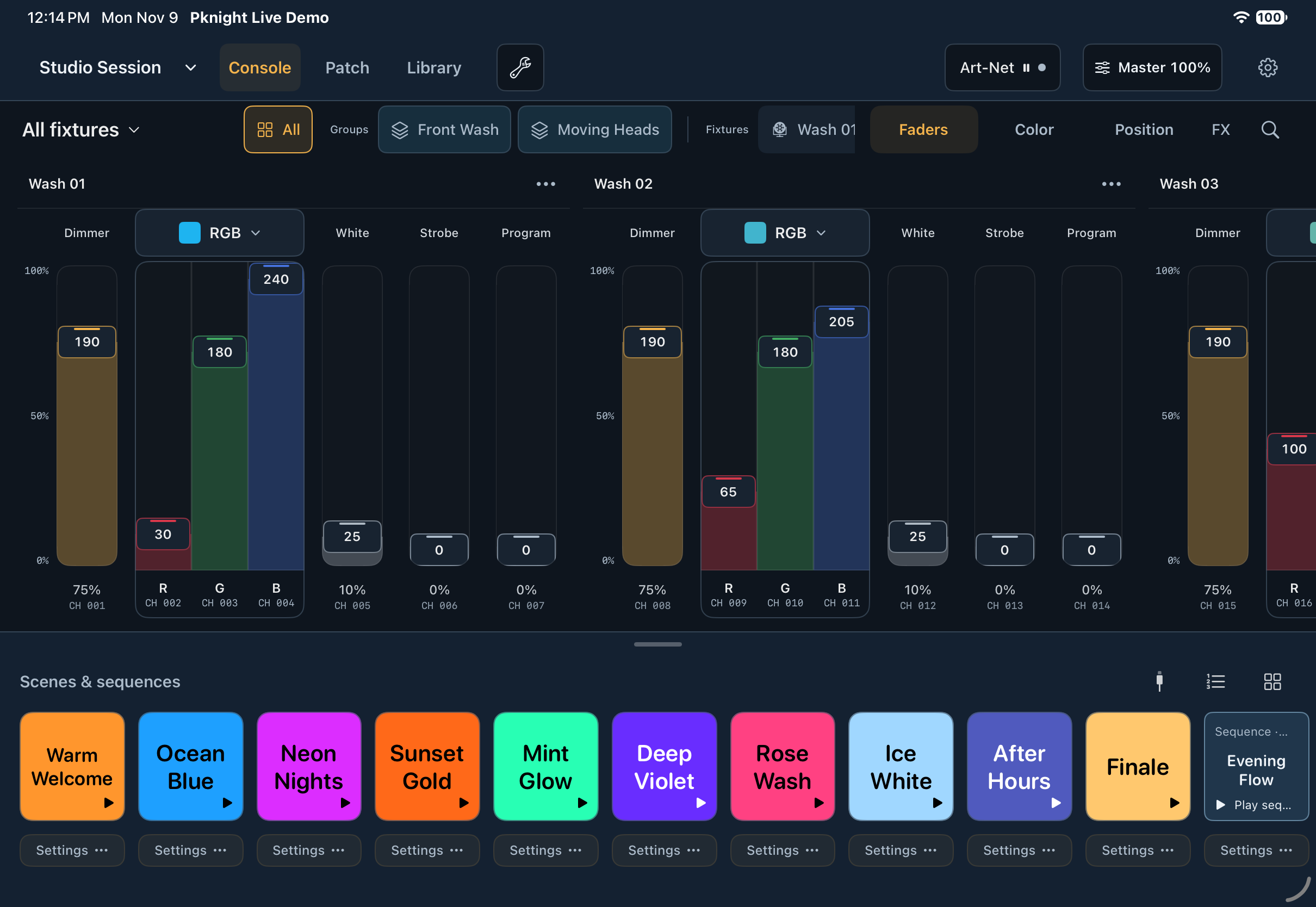
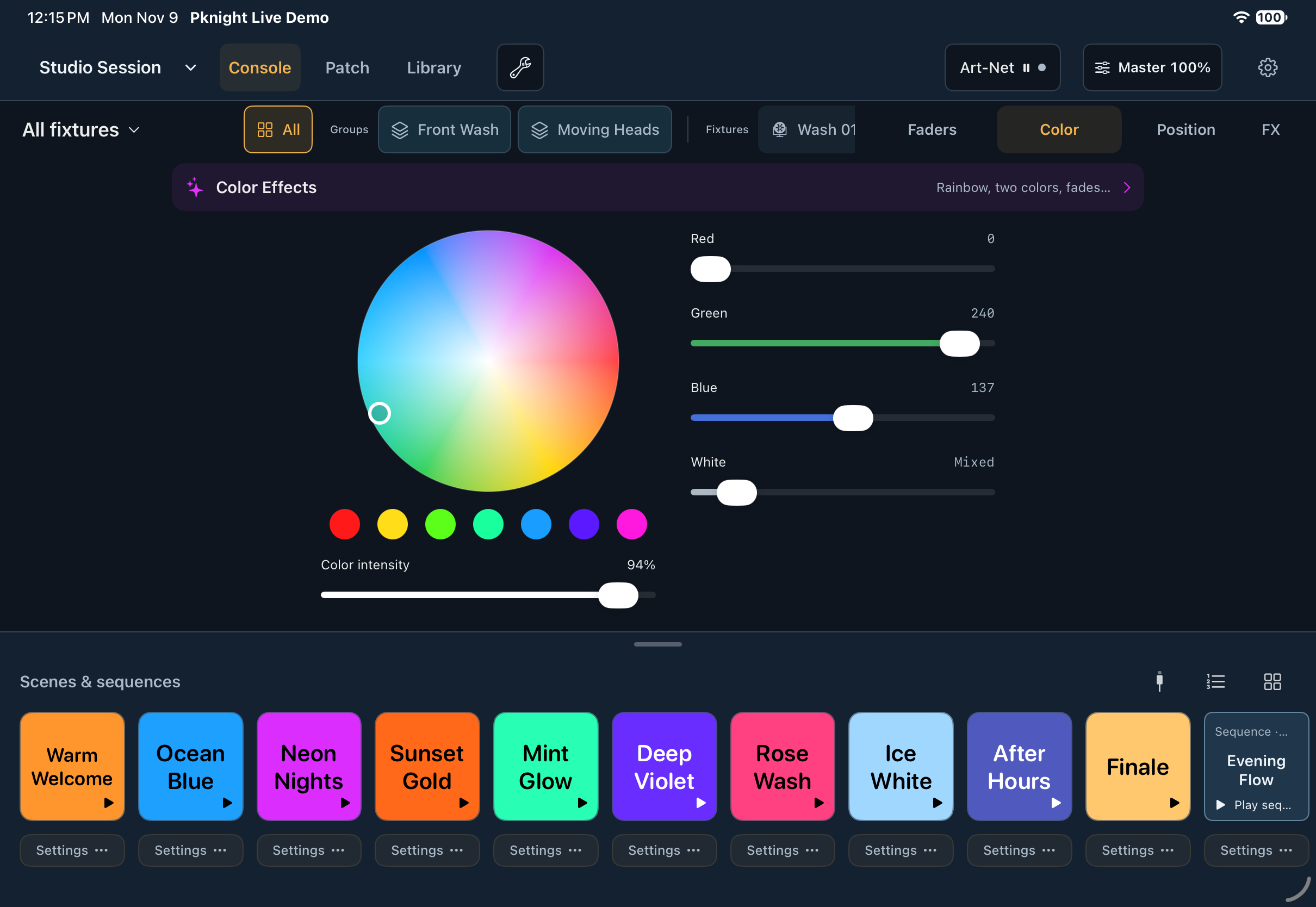
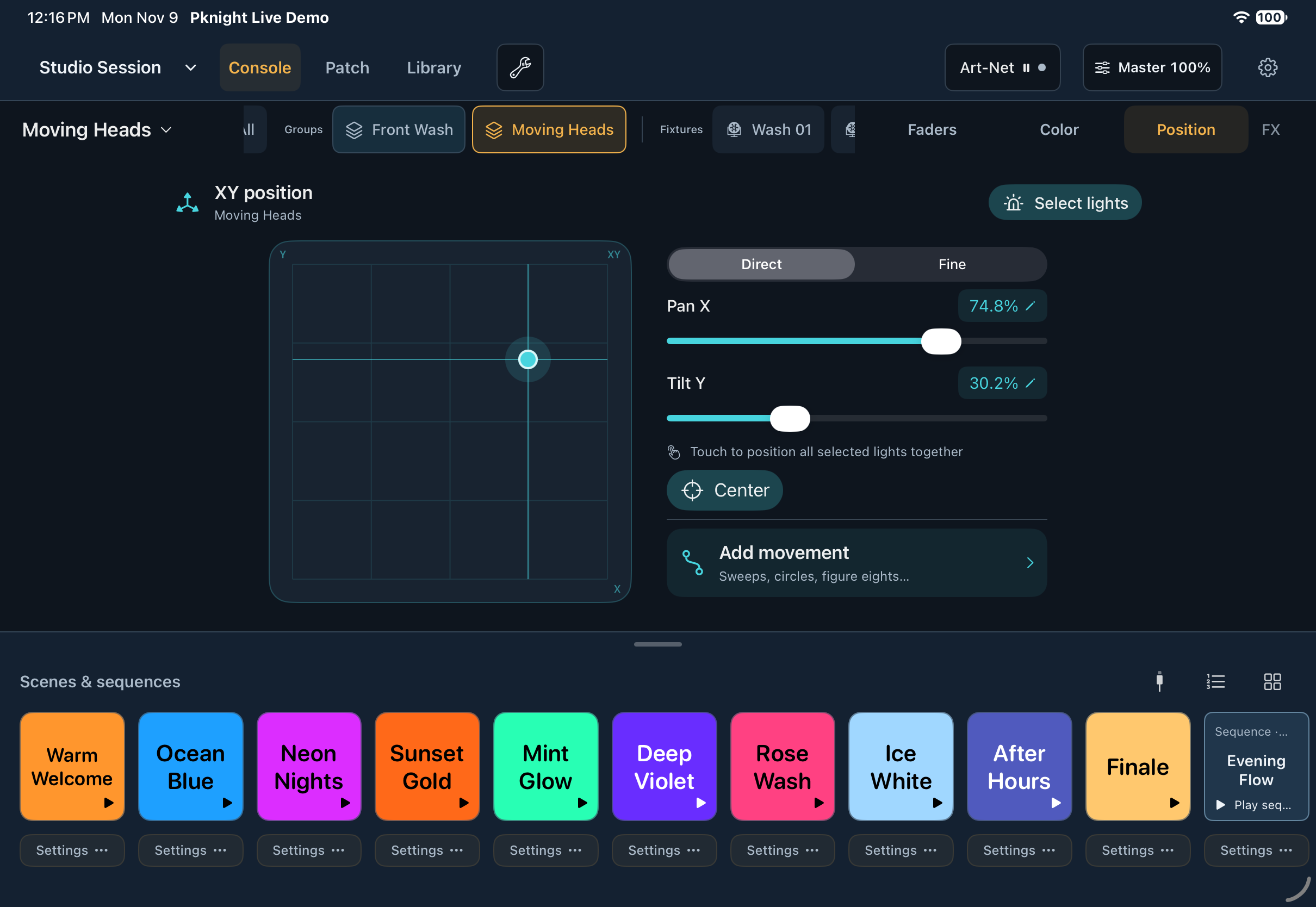
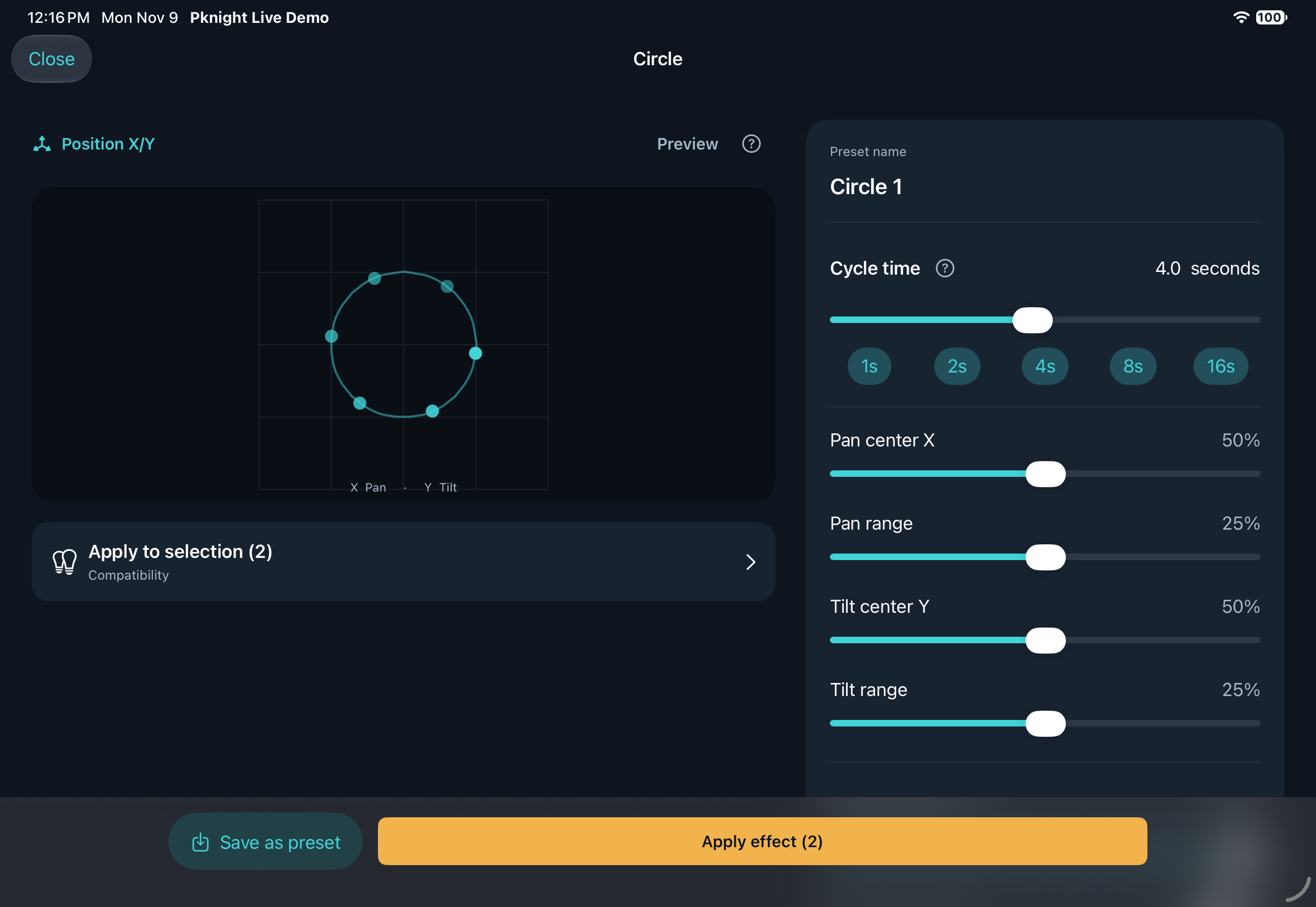
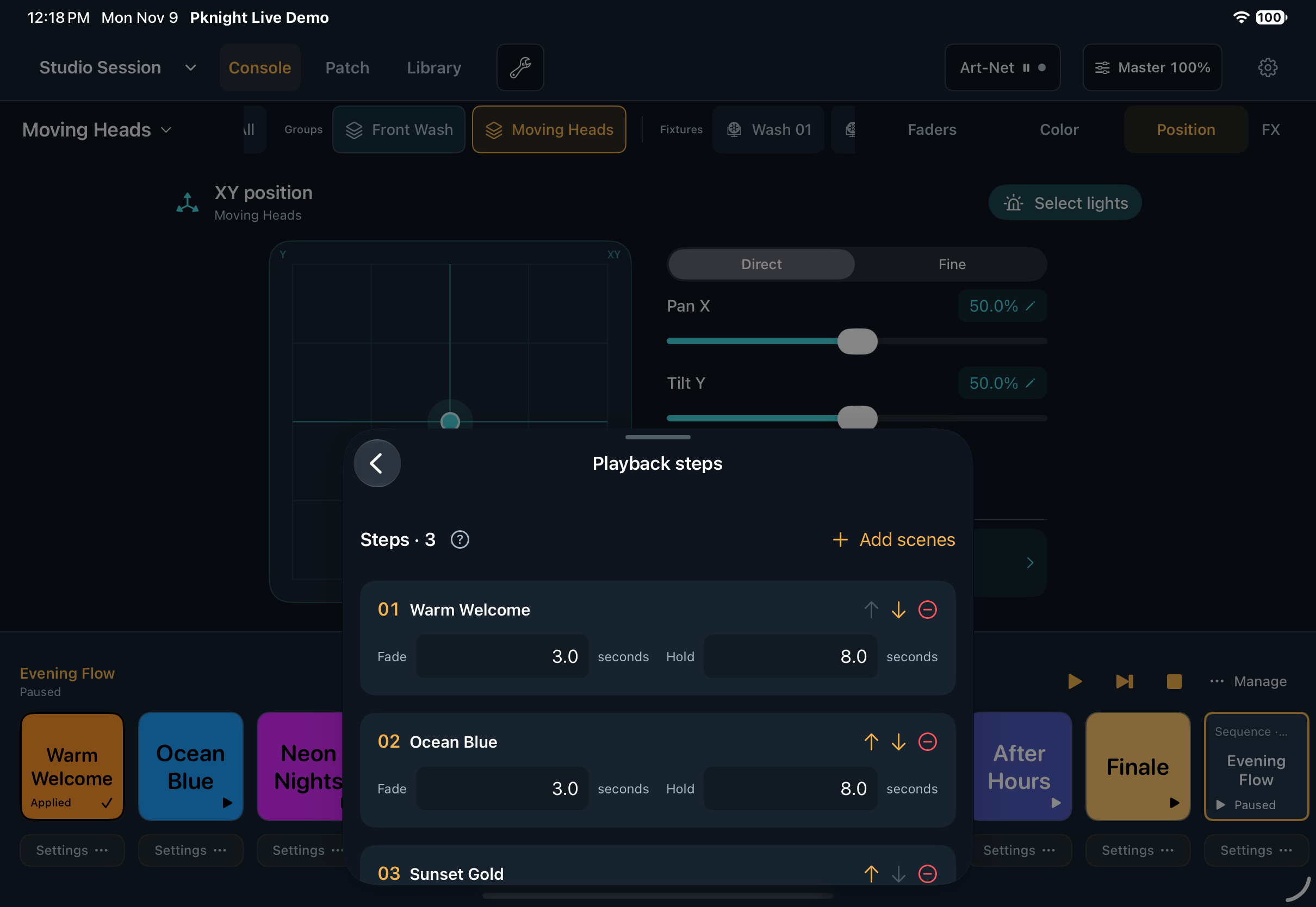
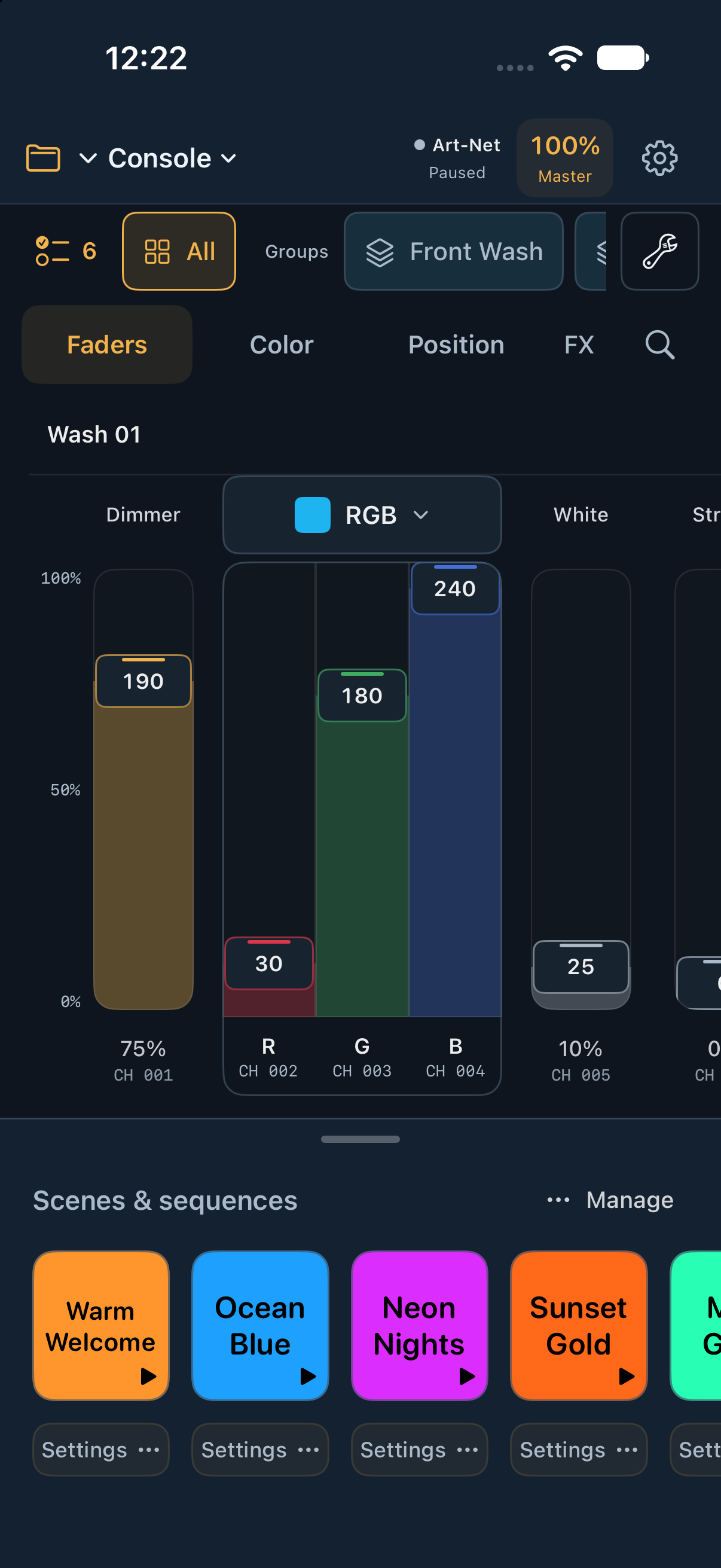
Actual English app screens, captured in a simulator with a dedicated demo project. Fixture and scene names are examples. Tap an image to see it full size.
Adjust a fixture, a group or your whole selection. Enter precise values when the detail matters.
Work with the color and position controls defined by your fixture profile, including paired 16-bit parameters.
Explore intensity, color and position effects. Save the combinations you want to use again.
02 / THE IDEA BEHIND LIVE
A free app, a clear hardware focus, and a project that gets better with the people using it.
Pknight Live is free to use, with no app purchase or subscription fee. Lighting hardware, network equipment and your Apple device are separate.
We focus our integration, testing and setup support on Pknight hardware. Art-Net and sACN provide the connection standards; they do not mean every device has been tested.
We are refining the app before its App Store release. Broader promotion will begin after release. For now, we welcome thoughtful testing, practical suggestions and clear bug reports.
You can try third-party equipment that supports Art-Net or sACN, using the correct protocol, universe and DMX settings. We do not provide model-specific adaptation or compatibility support for other brands. You are responsible for configuring and checking that setup.
03 / BUILD THE MOMENT
Save a look. Set the transition. Give every part of your show its own rhythm.
Apply scenes to chosen fixtures and parameters. Your latest action takes over the parts that overlap.
Run multiple sequences with independent pause, resume and stop controls.
Save project files on your device or in iCloud Drive through the Files app. Keep a copy before important changes.
04 / FROM SETUP TO SHOWTIME
Connect your iPhone or iPad and a compatible Art-Net or sACN node to the same local network. Select the node address and universe.
Find a profile, select the fixture mode and set its DMX address. Build a personal profile when you need one.
Set the levels, choose the color and save a scene. Add effects and sequences as your ideas grow.
You will need a compatible network-to-DMX node or a fixture with network input. The current test release supports one universe with Art-Net or sACN unicast output.
Connection guide ↗05 / PKNIGHT HARDWARE
Explore the Pknight hardware family. These product capabilities describe the hardware; they are not a claim that every app-and-device combination has completed validation.
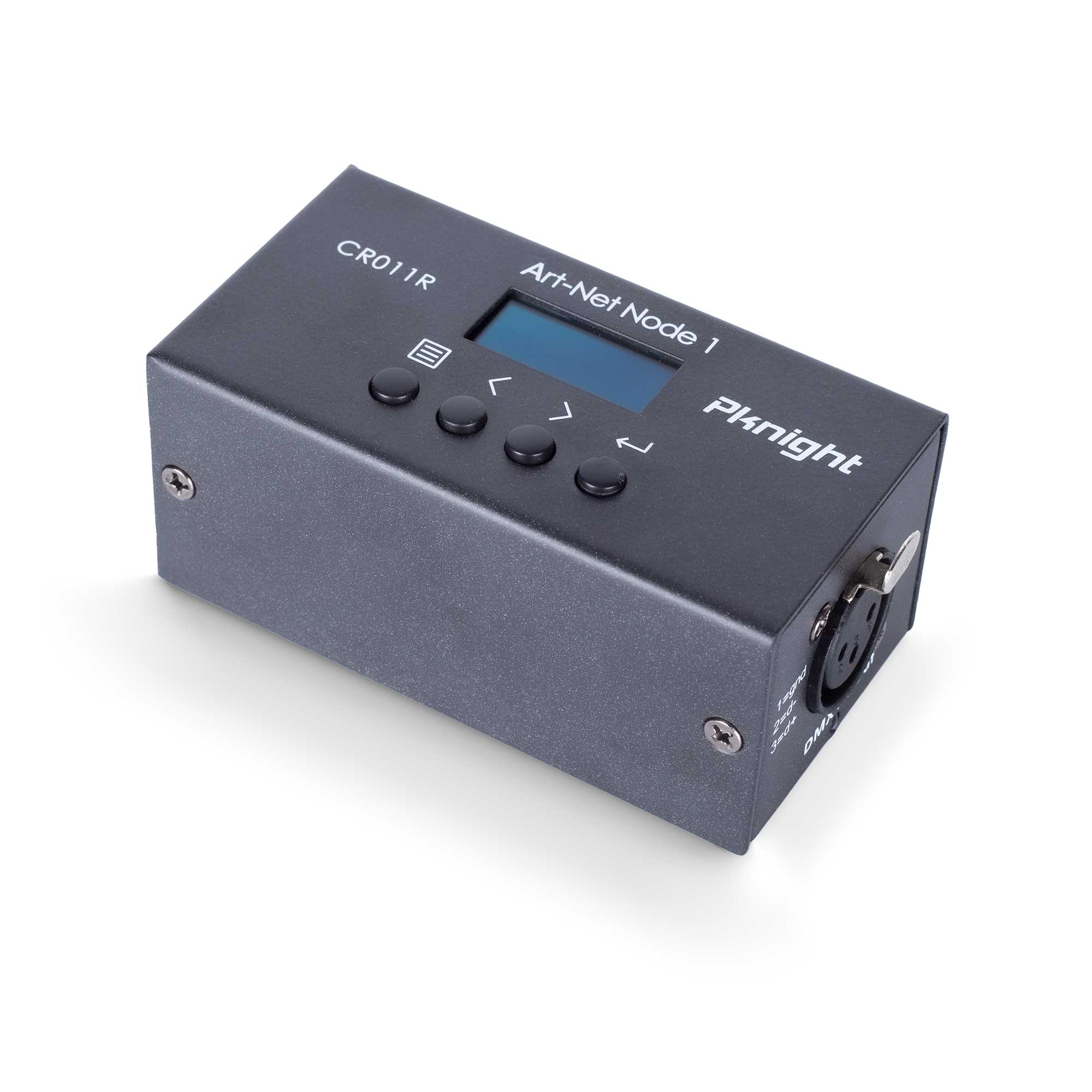
Art-Net → DMX
A bidirectional Art-Net / DMX interface with one 512-channel universe and an OLED display. A straightforward option for an Ethernet-based setup.
View hardware details ↗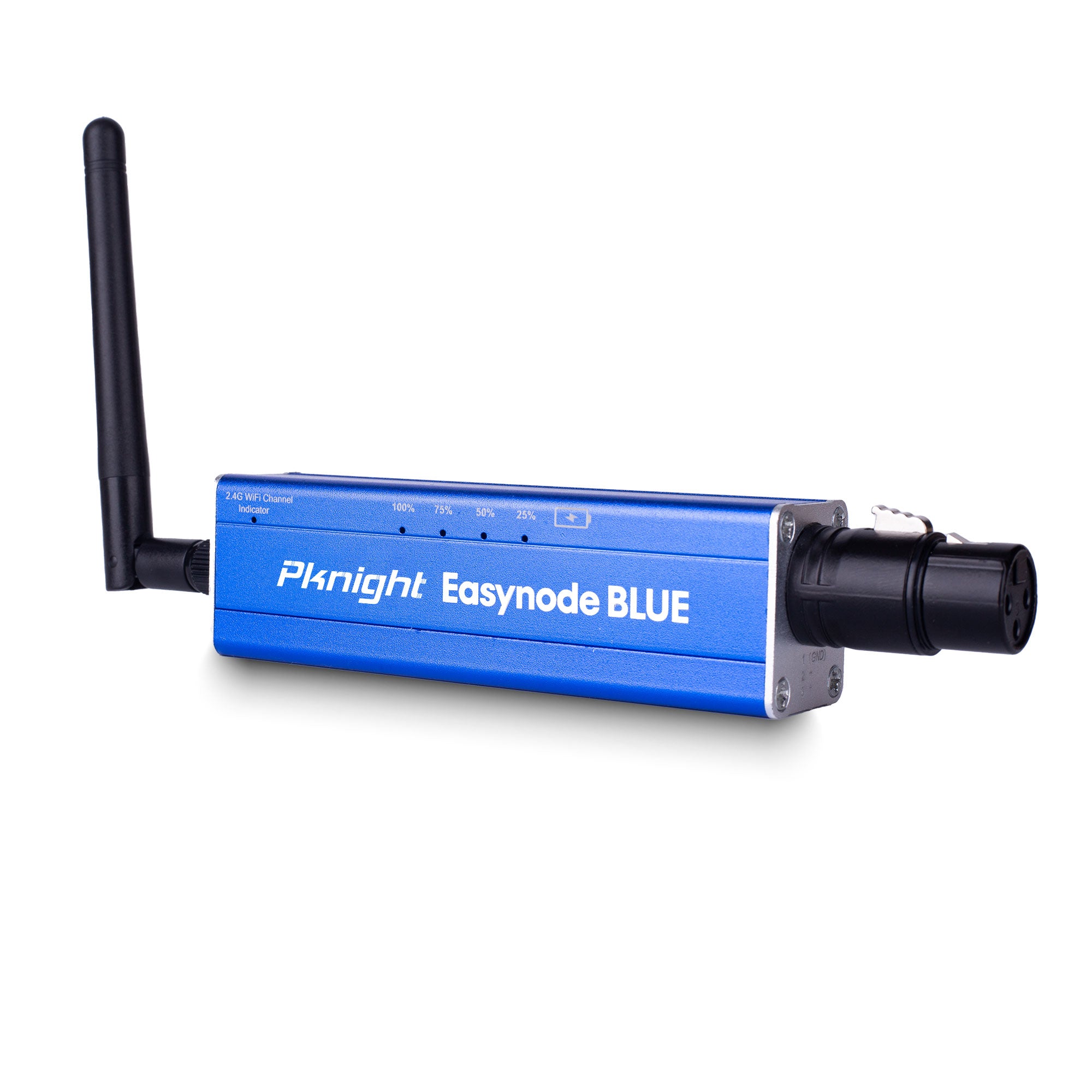
Art-Net / sACN
A rechargeable Wi-Fi lighting interface supporting Art-Net and sACN. Pknight Live connects over the network; its protocol support is separate from the node’s Bluetooth features.
View hardware details ↗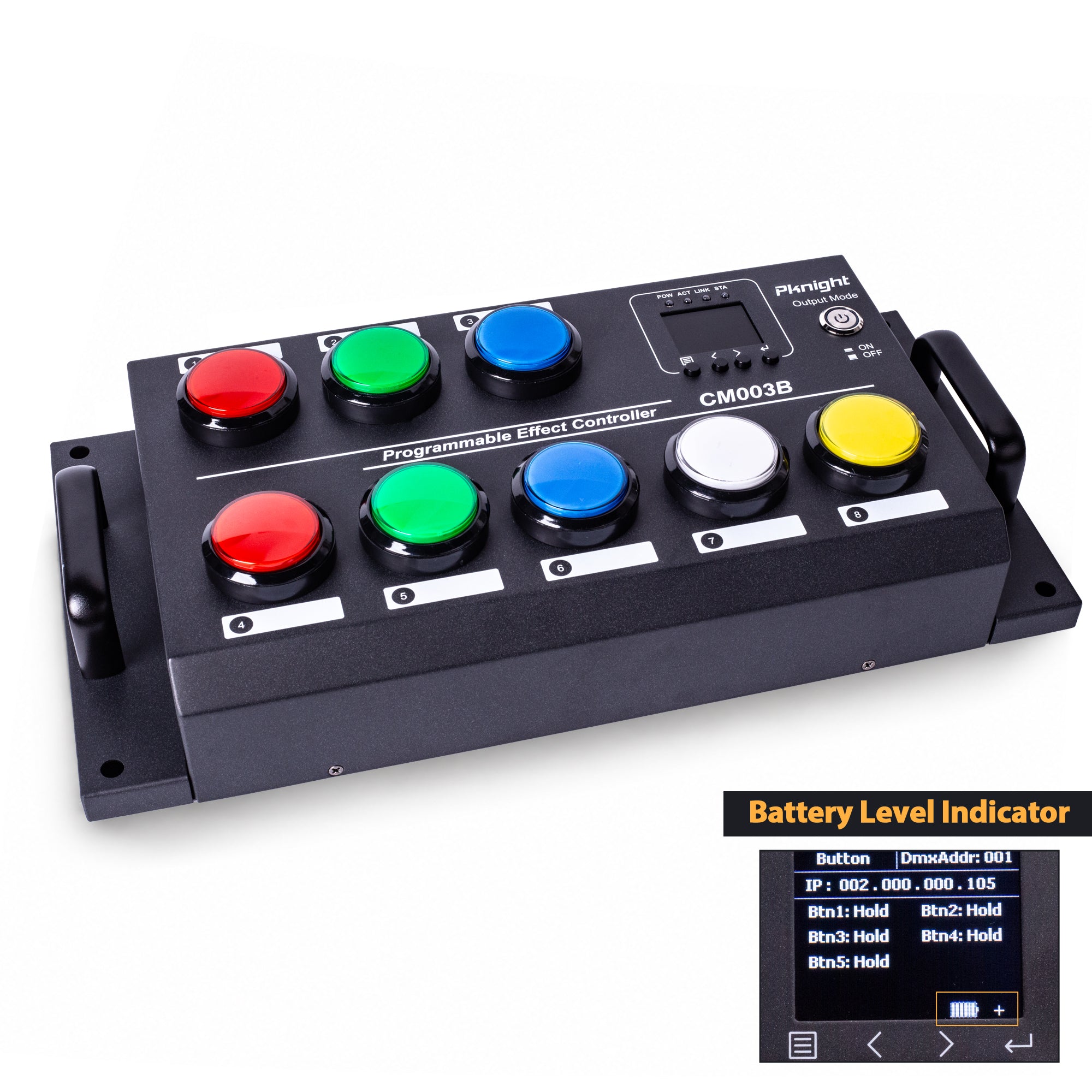
DMX / Art-Net / sACN
An eight-button scene recorder with 16 press/release actions and DMX512, Art-Net and sACN recording/playback. A separate hardware option for repeatable, button-based control.
View hardware details ↗Hardware is sold separately. Protocol availability varies by model; check the product manual and firmware. Pknight integration is an ongoing focus, not a blanket compatibility guarantee.
HELP SHAPE WHAT COMES NEXT
Have a Pknight setup and an idea for a better workflow? We welcome requests to join our TestFlight project. Tell us what you use, what feels natural, and where the app gets in your way.
Take part in TestFlight ↗Pre-release project · Free app · Invitations subject to test-build availability